
You want your home to look great, but so many people feel stuck; they think you need to hire a professional designer to get that perfect look. Honestly, it’s a common idea that design is some kind of secret club. But what if you could use some powerful tools yourself? Tools that help you plan, see your ideas, and even pick furniture from your couch, and honestly, the right DIY interior design tools can really change how you decorate. They give you the confidence to make your vision happen without spending (at least in my experience) a ton of money. Forget the old way of doing things. For the most part, even for us here in Bangladesh, with our own styles and space issues.
Visualize Your Space: AI, 3D, and AR Design Tools
Modern DIY interior design tools help you see your ideas before you make any changes, from smart AI tips to putting virtual furniture in your room with your phone. These platforms are like a digital playground where you can mess around with layouts, colors, and furniture. This helps you avoid expensive mistakes later. Which, let’s be fair, is a huge headache and cost for anyone. You wouldn’t want to buy a sofa and then find out it doesn’t fit through your front door, would you?
AI-Powered Style Guidance
Artificial intelligence is changing DIY design, it’s offering a lot more than just simple room layouts. And think about this: you upload a few pictures of rooms you like. The AI looks at them and suggests color schemes. Textures, and even furniture styles that match what you like. This is so helpful. When you’re starting out and need some direction. Some tools; like Decory or Spacely AI — can take a photo of your room. And show you new designs in about 30-45 seconds. They can even swap out objects or suggest different flooring. It’s like having a design helper who just gets your style, giving you an instant mood board to start with. This saves a ton of time you’d otherwise spend scrolling through Pinterest forever.
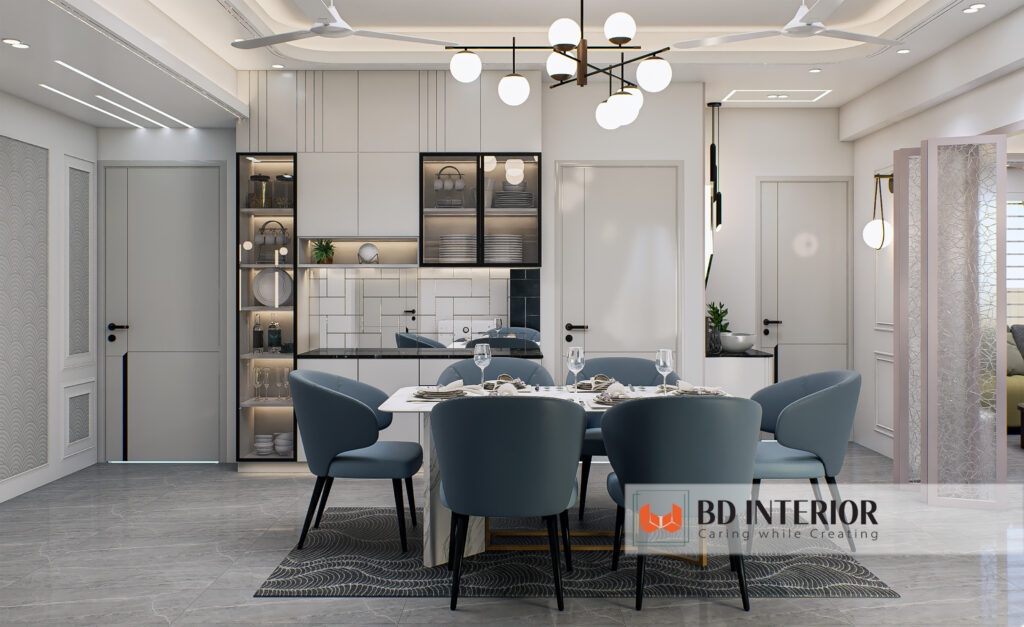
Realistic 3D Planning
With 3D visualization tools, you can build a detailed model of your home. You can put up walls, add windows, and place furniture pretty accurately. Programs like Planner 5D, or even fancier ones like Foyr Neo (which is usually more for pros, but the idea is the same), let you drag and drop things from huge collections. Lots of them even have settings for lighting. Wall thickness, and ceiling height. You get to see a nearly real-life picture of your ideas. It’s a great way to check. If that big almirah from the local market will actually fit in your Dhaka apartment without blocking the hallway.
Augmented Reality for Instant Placement
AR apps are pretty cool. You just point your phone’s camera at your room, and the app puts virtual furniture or decorations right there on your screen. It’s a fast way to get a general idea. If that new coffee table will work or if those curtains clash with your wall color. Apps like IKEA Place even let you see their products in the right scale. This quick visual check can definitely make you feel more sure before you buy something.
in most cases, while AR is a great place to start, how big objects look. And how the lighting appears can still be off by up to 10% on your screen compared to real life. In the AR view, so don’t run out. And buy an expensive piece just mainly because it looked good. Always check the real measurements.
Smart Spending on Design Software
Subscriptions are the normal thing now for many of the better DIY design tools. Costing about ৳600 to ৳2,300 per month ($5-$20 USD) for full access. This usually gets you high-resolution pictures, bigger furniture options, and sometimes even licenses to (no joke) use it for work.
Subscription Models
Most professional tools, the kind real interior designers use, have bigger monthly fees, sometimes $50 to over $100. For most of us doing it ourselves, that’s just too much. But even some of the easier platforms have different price levels. Thing is, like, they might’ve a free basic version, but you’ve to pay for a “Plus” or “Pro” plan to get the better stuff. You might get a certain number of free renders with a paid plan. Which is pretty useful. Just think about your project. If it’s a small one, a free tool. Or a one-month subscription might be all you need. Though results vary.
Free Tools vs. Premium Features
Free tools are awesome for basic layouts and just getting a feel for your space. You don’t need to spend a lot of money just to draw a few walls. Many free room planners give you the basics. But if you want those super realistic photos for a presentation. Or lots of different material options, the free (more, well, actually, than you might think) versions probably won’t be enough. If we’re being honest, that’s when it makes sense to pay for a premium version or a short-term subscription for a project; you just have to decide if the better-looking picture is worth the extra cash for your project.
The Cost of Overlooking Manual Sketching
Everyone is so focused on digital tools, but skipping traditional sketching is a huge mistake a lot of DIYers make. Before you even open an app. Just grab some graph paper, a pencil, and a ruler. Look, sketching lets you try out ideas fast, without getting stuck trying to learn new software; it’s a a breeze way to figure out the flow of a room, proportions, and your first ideas. It helps you build a real understanding of — I mean, your space that no software can completely give you. You can solve a lot of problems, or rather, on paper before they become digital headaches.
Overlooked Power of Niche Tools
These can give you a level of detail and control that bigger software misses. This is really true when you’re trying to perfect specific (or so they say) parts of your design. Like finding the perfect paint color or making sure textures look good together.
Color Palette Generators
Picking colors is tougher than it looks. A color that seems great on a screen might look totally wrong on your wall. Niche tools that only deal with color can be a huge help. They let you upload a photo for inspiration – maybe a fabric you saw in New Market. Or a sunset over the Buriganga – and then they suggest colors that go with it. Some even let you tweak brightness. Helping you create a color scheme that works. More importantly, this detail can stop you from ending up with a room that feels all wrong. They’re much better than just guessing.
Material and Texture Visualizers
Imagine trying to choose between a stone texture for your main wall or a wood panel just by looking at tiny samples. It’s really hard! Special tools for materials and textures fix this problem. These tools let you apply different finishes – wood, tile, fabric, paint – to a 3D model of your room. You can see how the light hits them and which ones feel right. This is super helpful in Bangladesh where we have. So many local materials like jute, bamboo, and terracotta. Knowing how these natural things will look in your space is key to making it feel real.
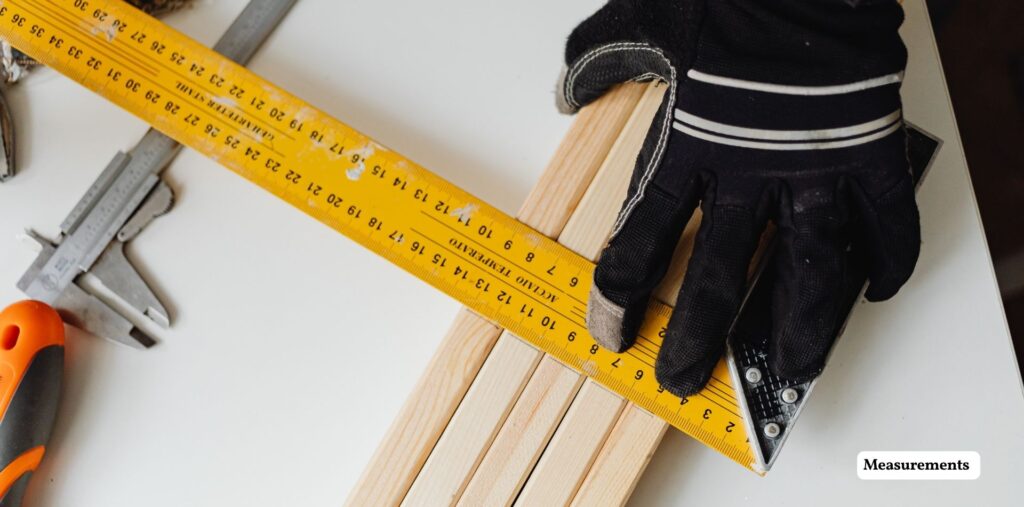
Getting Measurements Right: The Unsung Hero
Here’s the real talk — the most important step in any DIY design project, before you even open an app, is getting accurate measurements. If your measurements are off, everything else will be too. Furniture won’t fit, walkways will be too tight. And you’ll end up with a room that just doesn’t work. It’s a waste of time and money, and it can drive you crazy.
Why Accurate Dimensions Matter
Bad measurements cause a ton of problems; you might buy a dining table thinking it’s perfect, but then it blocks half your living room. Or a custom cabinet doesn’t quite fit against the wall. These issues are more than just annoying. They can cost you a lot of money to fix and cause delays. Getting it right from the start, from the size of your bed to your window curtains, makes sure your space works well, is comfortable. And looks balanced. It’s the foundation. No good foundation, no good house. Hold onto this thought.
Simple Measurement Tricks
You don’t need a fancy laser scanner for every project. Which means the golden rule is to measure everything twice. Don’t forget ceiling height, window and door sizes. And things like pillars or built-in shelves. You should measure walls in a few different spots. Because they’re not pretty much always perfectly straight. Then, draw a simple sketch of your room with all the measurements written down clearly. What’s wild is this easy habit will save you from so tons of headaches later on, trust me.
FAQs
Q: Are free DIY interior design tools good enough for most homeowners?
A: Yes, many free tools have enough features for basic floor plans, arranging furniture, and trying out different layouts. They’re great for beginners and simple room makeovers.
Q: How accurate are Augmented Reality (AR) apps for furniture placement?
A: AR apps give you a good rough idea, but the size of things and the lighting can be off by up to 10%. It’s always a good idea to check the real product measurements before you buy.
Q: Can AI interior design tools replace a professional designer?
A: Not completely. AI tools are great for getting ideas, making mood boards, and seeing your concepts quickly. But human designers understand context, solve creative problems, and have practical knowledge that AI just can’t copy.
Q: what’s the average cost of a good DIY interior design tool subscription?
A: For better features like high-quality images and larger furniture libraries, subscriptions usually cost between ৳600 to ৳2,300 per month ($5-$20 USD). Some pro tools cost a lot more.
Q: Why are measurements so important if I’m using design software?
A: Good measurements are the foundation of any design project. Wrong numbers will lead to furniture that doesn’t fit, tight spaces, and expensive mistakes that no software can fix.
Conclusion
Choosing the right DIY interior design tools isn’t about finding one perfect program. It’s about putting together a set of tools that works for you and your budget. Look, start with free options to learn the ropes. The thing is, then think about paid plans if you need better features like high-quality renders or bigger furniture lists. And always remember, measuring correctly is your first and most huge job. No software magic can fix wrong numbers. By picking your tools carefully and planning well, you can turn your home into a place you really love, showing off your personal style and local culture, without needing a professional designer for every little thing.

S.M. Rezaul Haque is a seasoned interior design consultant with 15+ years of experience. An AIUB graduate and Senior Vice President of BIDCOA, he specializes in creating functional, sustainable, and visually inspiring spaces. As the driving force behind BD INTERIOR, he has helped shape 700+ Bangladesh’s most innovative interior design projects.