
Interior designers in Bangladesh face a familiar challenge: how do you show a client their dream space before it’s built? Sketches and mood boards often fall short, leaving too much to imagination. This gap between concept and clear visualization can lead to misunderstandings, endless revisions, and ultimately, frustrated clients.
Many designers also struggle with slow rendering times or the high cost of powerful computers. It’s a real headache. Clients see stunning visuals online and expect a simple button-click, not realizing the intricate work involved. But what if you could bridge that gap, deliver breathtaking visuals efficiently, and truly impress every client, from Gulshan to Mirpur? This is where 3D rendering steps in, transforming how designers operate here in Bangladesh and beyond.
Visualizing Designs: Why 3D Rendering Matters for Dhaka’s Designers
3D rendering helps interior designers in Bangladesh show off their concepts clearly, get faster client approval, and reduce costly misunderstandings by providing realistic, immersive visuals of future spaces.
Gone are the days when designers could rely solely on 2D drawings. Today’s clients, especially in a fast-growing market like Bangladesh, want to feel the space before any construction begins. They demand a clear picture, a sense of how light will fall, how textures will feel, and how the furniture will fit. This demand pushes designers towards advanced visualization.
Traditional methods just don’t cut it anymore. They often lead to endless cycles of adjustments because the client couldn’t fully grasp the initial vision. Think of it like trying to describe the taste of ilish polao without letting someone try it – difficult, right?
Bridging the Communication Gap
Effective communication is the bedrock of any successful design project. 3D rendering speaks a universal language: visuals. When clients can “walk through” a proposed design in real-time or see high-resolution images that look like actual photographs, they become active participants. This instant visual feedback from tools like Enscape or Twinmotion means design changes happen faster. It means fewer surprises later, saving both time and money.
The Cost of Waiting: Render Times and Workflow
One common frustration designers voice is the sheer time renders take. Even with a good computer, complex scenes can tie up your machine for hours, sometimes days. This slows down your entire workflow. Imagine needing client feedback urgently but being stuck waiting for an image to process. This delay impacts project deadlines and your ability to take on more work. Investing in better hardware helps, but it is a significant cost.
Common Rendering Software & Typical Annual Costs (USD)
| Software | Focus | Estimated Annual Cost |
|---|---|---|
| SketchUp Pro | Modeling & Basic Render | $299 |
| V-Ray Solo | Photorealistic Render | $540 |
| Corona Renderer | Photorealistic Render | $414 |
| Enscape Solo | Real-time Render | $479 |
| Lumion Standard | Real-time Render | $749 |
Note: Prices are approximate annual subscription costs and can vary.
Smart Tools & Techniques for Stunning Interiors
Achieving top-tier 3D interior renders involves picking the right software for your goal (real-time for speed, photorealistic for detail), mastering advanced lighting, using Physically Based Rendering (PBR) materials, and leveraging cloud services to overcome hardware limits.
Today’s rendering tools offer a wide spectrum of capabilities. Knowing which tool to use for which task is key to an efficient workflow. Many designers use a combination of software. One for the initial modeling, another for detailed rendering, and sometimes a third for quick, interactive views.
Real-Time vs. Photorealistic: Picking Your Battles
Real-time rendering lets you make changes and instantly see them, perfect for client meetings and quick design iterations. Photorealistic rendering takes longer but produces images that are nearly indistinguishable from actual photographs, ideal for high-impact marketing.
Enscape and Twinmotion Advantage
Tools like Enscape and Twinmotion integrate directly with popular modeling software like SketchUp or Revit. This means you can show clients a virtual walkthrough of their space on the spot. It’s a massive advantage for gathering instant feedback.
V-Ray and Corona for Unmatched Realism
For those breathtaking, magazine-quality images, software like V-Ray and Corona Renderer are industry favorites. They offer advanced controls over lighting and materials, delivering unparalleled photorealism, though with a steeper learning curve and longer render times.
The Power of Proper Lighting and PBR Materials
Experts often say that lighting accounts for 70% of a render’s quality. It creates mood, highlights details, and gives depth. Without good lighting, even the best models look flat. Equally important are PBR (Physically Based Rendering) materials. These materials mimic how light interacts with real-world surfaces – wood, glass, metal – making your renders look incredibly believable. Understanding how roughness, metalness, and albedo maps work is no longer optional; it’s fundamental for realism.
Cloud Rendering: Your Virtual Supercomputer
For many smaller studios and freelancers in Bangladesh, the cost of a high-end GPU (often upwards of 80,000-150,000 BDT for a professional card) is a major hurdle. This is where cloud rendering services like Chaos Cloud or Lumion Cloud come in. They allow you to use powerful computers over the internet, essentially renting a “render farm” for your projects. This levels the playing field significantly. You pay for what you use, avoiding the huge upfront investment in hardware. This means a designer in Chittagong can access the same rendering power as a big firm in London, all without needing a massive budget. This freedom lets you focus on design, not hardware upgrades.
Common Mistakes & Future-Proofing Your Workflow
Many designers struggle with clients underestimating the work behind renders and the ongoing costs. Future-proofing means smart hardware investment, continuous skill development, and embracing real-time visualization as the norm for client interaction.
It’s easy to get caught up in the excitement of new software. But some common pitfalls can derail even the most talented designers. Addressing these directly builds trust and a more sustainable practice.
Avoiding the “Button Click” Misconception
“Clients often see a beautiful render and think it’s just a button click, not hours of work.” This sentiment is common. Many clients simply don’t understand the effort, the artistic eye, and the technical skill that goes into creating a photorealistic image.
As a design/interior company in Bangladesh, we must educate. Show them a quick “behind the scenes” of your workflow. Explain the complexity of setting up lighting or fine-tuning materials. This transparency builds appreciation and manages expectations, reducing friction over revisions and project timelines. Communicate the value of your expertise, not just the output.
Investing Smart: Software, Hardware, and Skills
Subscription costs for multiple software packages add up. You also need a decent computer, especially a good graphics card (GPU). A quality GPU can drastically cut down render times, allowing you to take on more projects. Think about longevity. Just like taking care of your smartphone ensures it lasts longer, smart investments in your rendering setup means it serves you well for years. Prioritize learning fundamental rendering principles like lighting and PBR before chasing every new tool. Master the basics, then expand your toolkit.
Why Real-Time Is the Future for Bangladesh
The “Leading ArchViz Educator” says the future of visualization is real-time. Clients in Bangladesh will increasingly expect instant feedback and interactive experiences. Getting comfortable with tools like Enscape or Twinmotion now will give you a significant edge. It is about speed, client engagement, and creating truly immersive presentations that sell your vision.
Ready to Transform Your Design Business?
3D rendering is no longer a luxury; it’s a core skill for interior designers who want to stay competitive and deliver exceptional results in Bangladesh’s dynamic market. From faster client approvals to presenting design concepts with unmatched clarity, the advantages are clear. Start experimenting with real-time tools. Invest in understanding lighting and materials deeply.
Explore cloud rendering options to scale your work without breaking the bank. Don’t let old methods hold you back. The power to present your designs vividly, secure client trust, and streamline your workflow is literally at your fingertips. What will you create next?
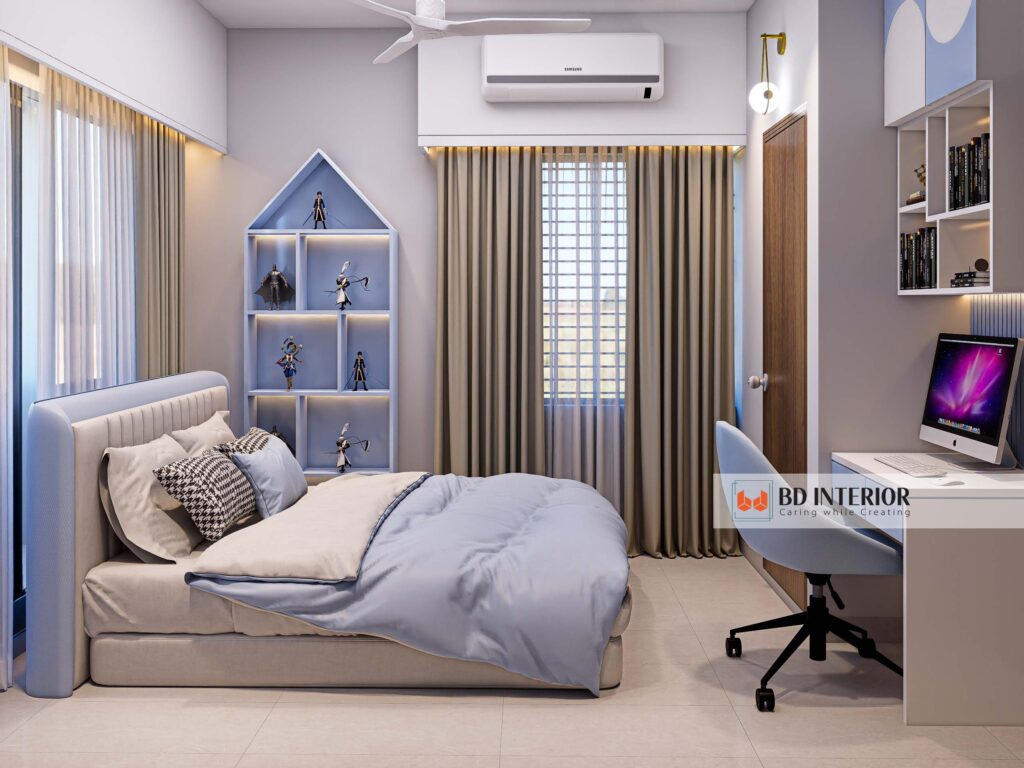
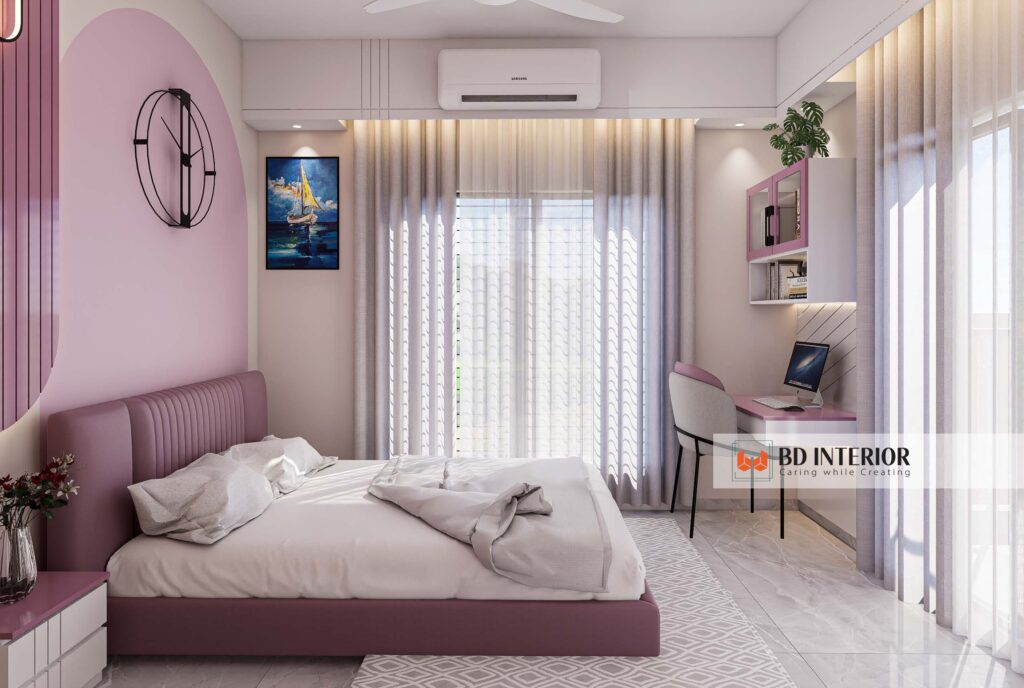
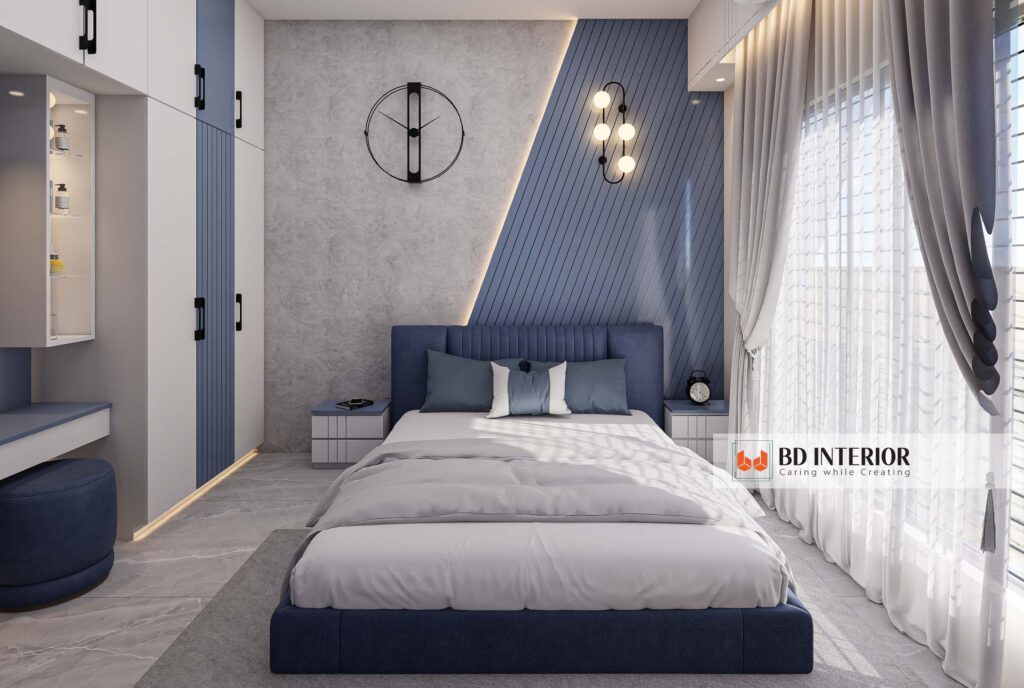
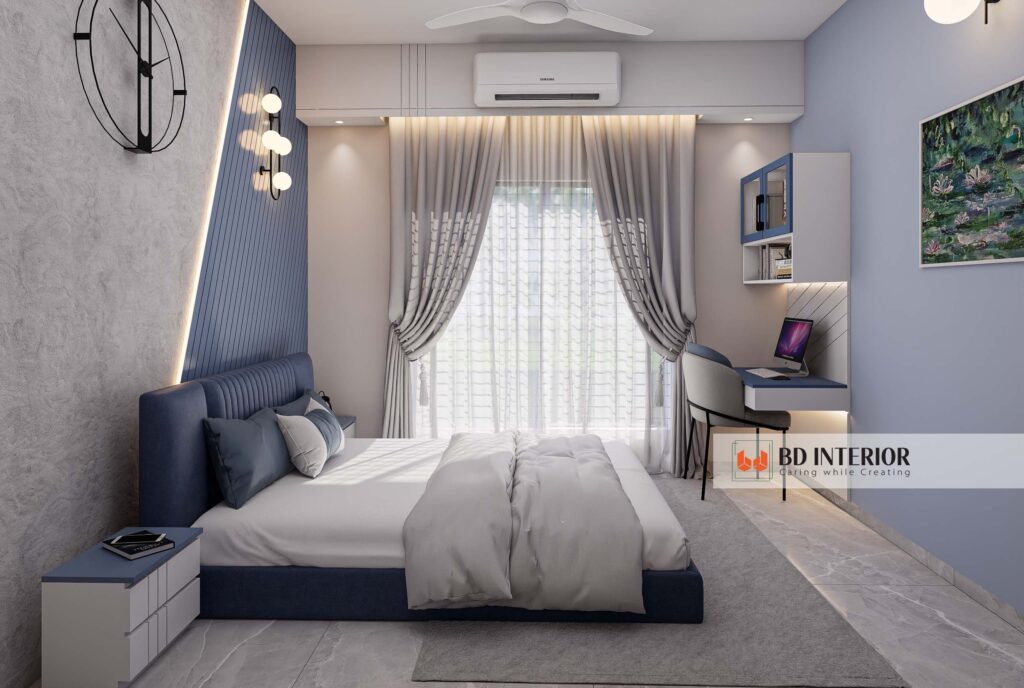
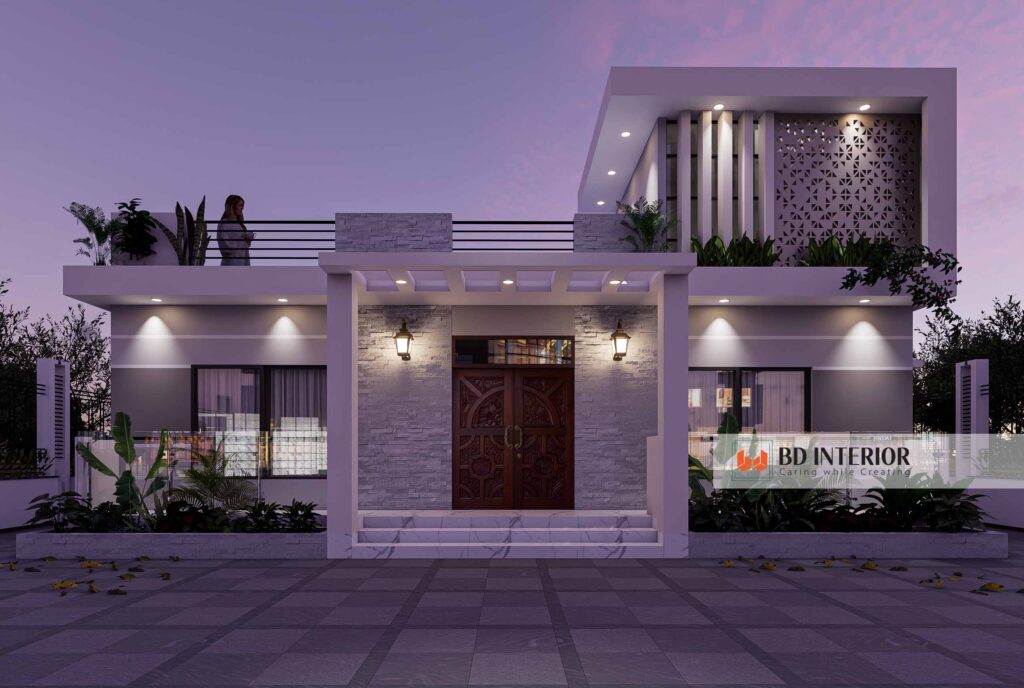
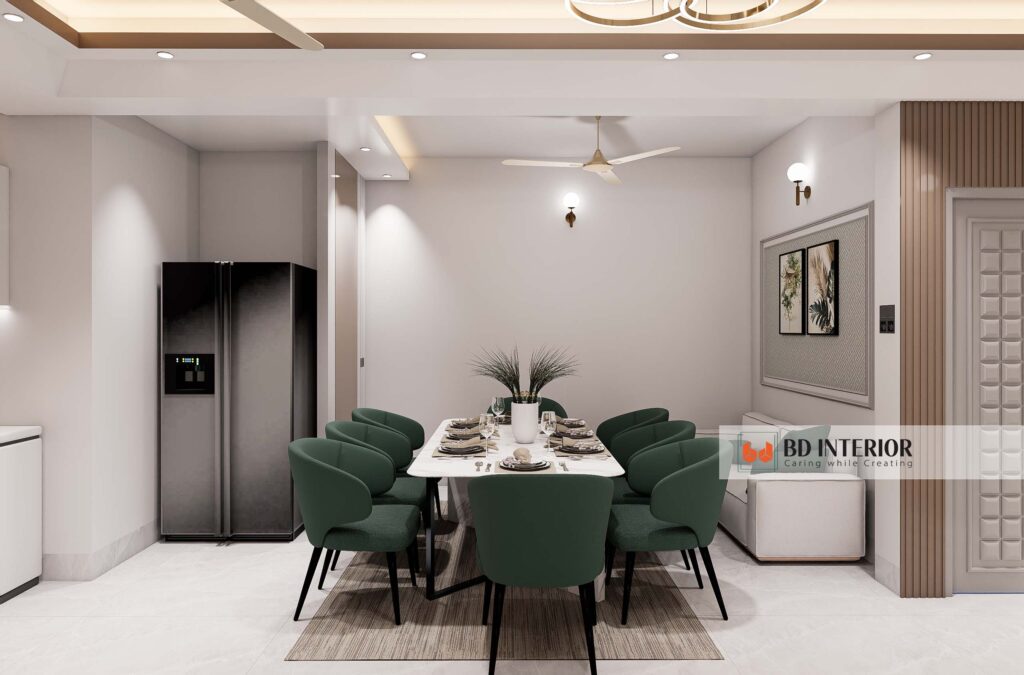
 interior design.” class=”wp-image-29257″/>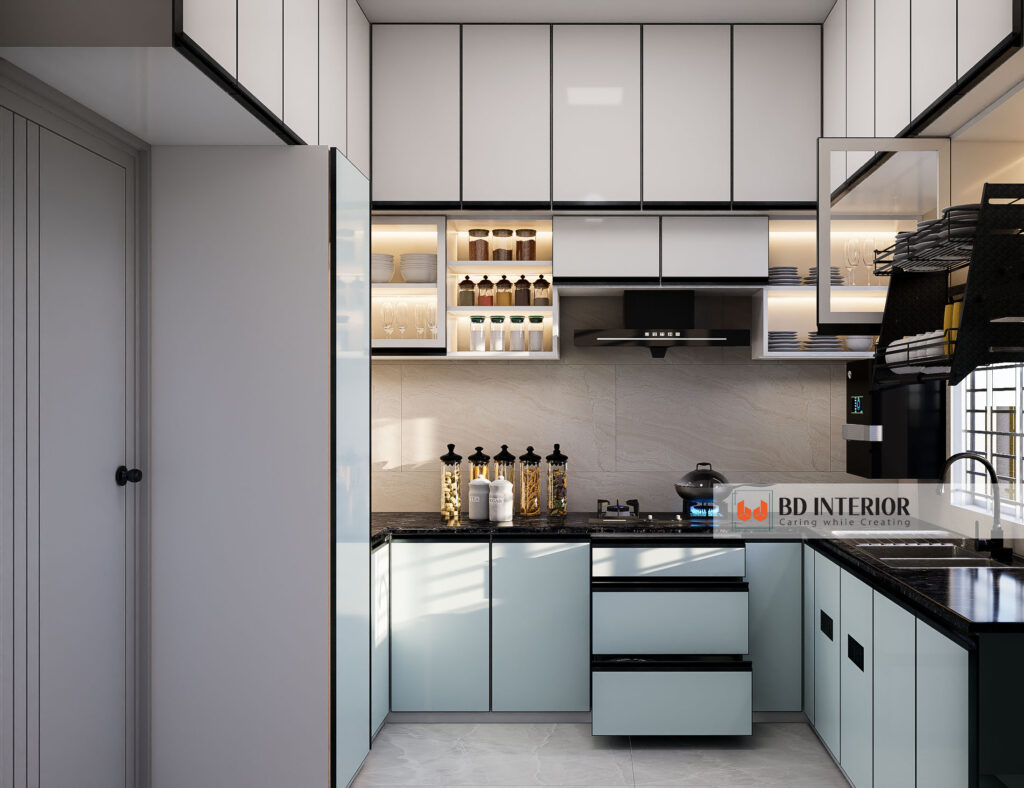
FAQs About 3D Rendering for Interior Designers
Q: What’s the biggest mistake new 3D renderers make?
A: Many beginners focus too much on detailed models and forget that lighting is the most important element. A well-lit simple scene often looks better than a poorly lit complex one.
Q: Do I need an expensive computer for good 3D renders?
A: Not always. While a good GPU helps, cloud rendering services let you use powerful hardware over the internet. This reduces your need for a super expensive local machine, making quality rendering more accessible.
Q: How can I convince clients that 3D rendering takes a lot of effort?
A: Be transparent. Show them quick behind-the-scenes glimpses of your process. Explain the technical steps involved in setting up materials and lighting. This helps clients appreciate the skill and time involved, moving beyond the “button-click” perception.

S.M. Rezaul Haque is a seasoned interior design consultant with 15+ years of experience. An AIUB graduate and Senior Vice President of BIDCOA, he specializes in creating functional, sustainable, and visually inspiring spaces. As the driving force behind BD INTERIOR, he has helped shape 700+ Bangladesh’s most innovative interior design projects.