
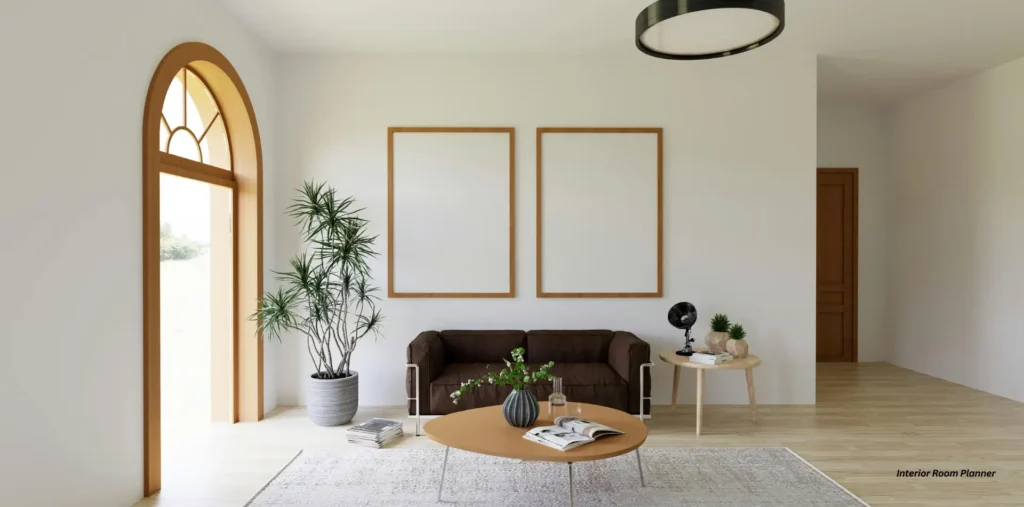
You’re standing in the middle of a room, hands on your hips, staring at the walls. You can feel the potential. You have a vision, a Pinterest board bursting with ideas, but a nagging voice whispers, “What if that sofa doesn’t fit? What if those colors clash horribly in real life?” That feeling of being paralyzed by possibility, terrified of making a costly mistake, is something I know all too well.
Before you spend a single dime on paint or furniture, you need a blueprint. Not just a guess, but a visual, interactive plan that turns your abstract ideas into a concrete reality. This in-depth guide is your secret weapon. We’re going to cut through the marketing noise and investigate the world of interior design room planners, revealing which tools will actually save you time, money, and sanity on your next home project.
What Exactly is an Interior Design Room Planner (And Why You Urgently Need One)?
An interior design room planner is a digital software application or web-based tool that allows you to create detailed 2D floor plans and 3D visualizations of a space. Think of it as a virtual sandbox for your home, where you can move walls, place furniture, and test out materials without any real-world consequences or heavy lifting.
But let’s get real. Why is this so important? Because guesswork is the most expensive part of interior design. Buying a sectional that overwhelms your living room or painting a bedroom a color you end up hating is a soul-crushing (and wallet-draining) experience. As design expert Cory Powell of DBS Bathrooms puts it, “Using a room planner or design app is the most accurate way of fleshing out your ideas visually. It gives you the confidence and time to design your own space… and visualize what your home will look like after renovating it.”
Essentially, a room planner is your insurance policy against buyer’s remorse. It’s the critical step between dreaming about your perfect room and actually creating it.
Quick Action Plan: Before reading further, grab a notepad and write down the single room in your home that gives you the most trouble. Keep it in mind as we explore which tool is right for you.
Great Divide: Free vs. Paid Room Planners
When you start your search, you’ll immediately face a crossroads: free tools versus paid subscriptions. The choice between them isn’t just about cost; it’s about the scope and seriousness of your project. The key difference lies in access to features, library size, and the final quality of your visuals, which can dramatically impact your design process.
Allure of ‘Free’: What You Get (And What You Don’t)
Let’s be honest, “free” is a beautiful word. And for many simple projects, free planners are fantastic. They’re perfect for checking if your dream sofa will fit or for getting a basic sense of a new layout. You can map out your dimensions, drop in some generic furniture, and get a sense of the space’s flow.
But free is rarely truly free. The business model relies on limiting you. As one Reddit user lamented about Planner 5D, “…you only have access to like 3 things in each category; you have to pay for the rest.” This is a common story. You’ll also run into:
- Severely Limited Libraries: Forget finding an exact match for your Crate & Barrel coffee table. You’ll be using generic stand-ins.
- Intrusive Ads and Watermarks: Your beautiful design might be stamped with a big, ugly logo.
- No High-Resolution Renders: The 3D view might be blocky and unrealistic, which users call the “sucks in 3d mode” problem.
- Paywalled Basic Features: Another frustrated user noted of RoomSketcher, “Avoid… it is garbage for free users… no pantry doors. no wall outlets… Can not download floor plan unless you pay.”
Free tools are a gateway, not a destination. They’re great for a quick test drive but will leave you wanting more for a serious project.
Is a Subscription Worth Your Hard-Earned Cash?
I know what you’re thinking: “Pay a monthly fee for software I’ll only use for one project?” It feels steep. But let’s reframe that. A $25 monthly subscription is much cheaper than a $2,500 sofa you have to return.
Paying unlocks the full potential of these platforms:
- Vast, Brand-Name Libraries: Access to thousands of real-world items, textures, and materials.
- Photorealistic 3D Renderings: Create images so realistic they look like they were pulled from a magazine.
- Advanced Features: Unlock AI-powered suggestions, custom lighting setups, and even virtual reality (VR) walkthroughs.
- A Clean, Uninterrupted Workflow: No ads, no watermarks, no frustrating limitations.
As tech expert Lucy Hedges points out, it’s smart to “at least take advantage of the free trials to find out if they work for you. But in most cases, it’s likely you can get along just fine without dipping your hand in your pocket” for smaller tasks. The key is to match the tool’s cost to your project’s ambition.
Quick Action Plan: Look at the room you wrote down. Is it a simple furniture swap? Stick with a free tool for now. Is it a gut renovation? You should seriously consider a one-month subscription to a powerful planner. It will pay for itself.
Must-Have Features: Your Room Planner Checklist
A great interior design room planner must include a core set of features that empower you to design effectively. Before you commit to any platform, make sure it excels in these four critical areas. These features are the engine of the software, determining whether your experience will be frustrating and limited or creative and liberating.
2D Floor Plans vs. 3D Visualization: The Dynamic Duo
This isn’t an either/or situation; you need both.
- The 2D Floor Plan is your blueprint. It’s a top-down view where you establish accuracy. You’ll input precise measurements for walls, doors, and windows. This is the architectural foundation of your design.
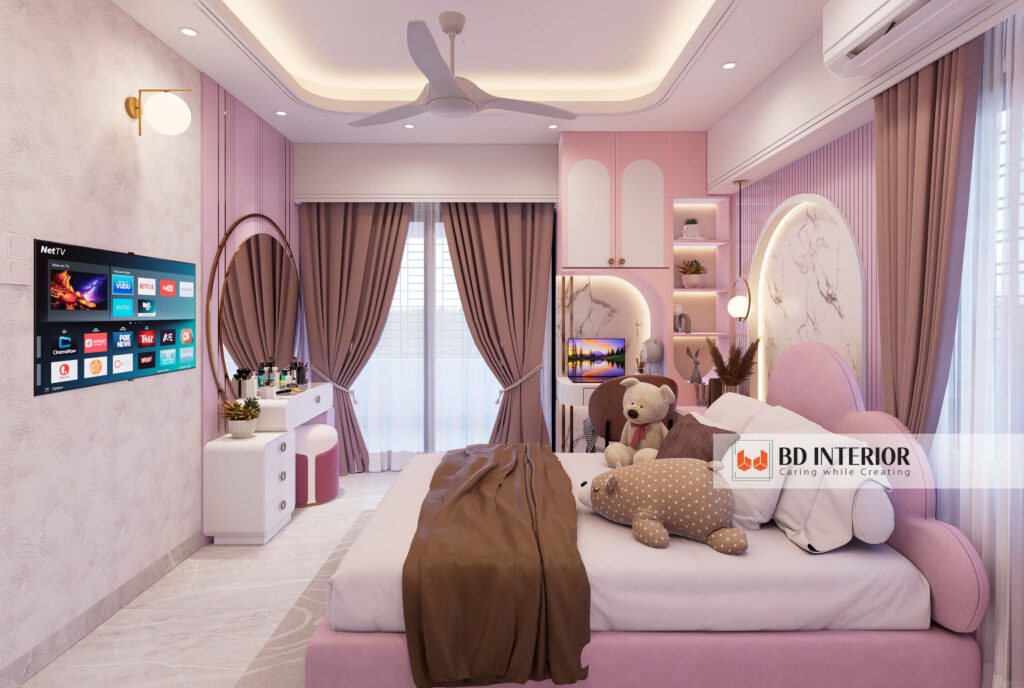
- The 3D Visualization is where your design comes to life. It’s the immersive, first-person view that allows you to feel the space. It’s how you check sightlines from the sofa, see how the light hits, and understand the scale and volume of your furniture. One without the other is a job half done.
Heart of the App: The Furniture & Material Library
The most beautiful room layout is useless if you can’t fill it with items that reflect your vision. A robust library is non-negotiable. Look for a planner that offers a wide variety of:
- Furniture styles: From mid-century modern to industrial to farmhouse.
- Customization: Can you change the size, color, and fabric of a sofa?
- Real-world products: Some planners, like IKEA’s, are locked to their own ecosystem. This is great if you’re only shopping at IKEA, but terribly restrictive otherwise.
From Blocky Models to Photorealism: Understanding Rendering Quality
“Rendering” is the process of generating a 2D image from your 3D model. The quality of this render is the difference between seeing a clunky model that looks like a 90s video game and a stunning, photorealistic image you could mistake for an actual photograph. High-quality rendering is what truly allows you to visualize the final result, making it a critical feature for finalizing choices on paint, textures, and lighting.
AI-Powered Future: Is It a Gimmick or a Game-Changer?
We’re now in the era of AI-enhanced design. And yes, some of it is a game-changer. For example, some apps use your phone’s camera and LiDAR sensor to automatically create a floor plan. A user who tried Magicplan raved, “If you have a recent iPhone with LiDAR…it is insanely comfortable and precise.” Other AI features can suggest layouts or color palettes based on your style preferences. Don’t dismiss these features—they can be incredible time-savers.
Quick Action Plan: Rank these four features (2D/3D, Library, Rendering, AI) from most to least important for your project. This is your personal checklist for evaluating software.
An Investigative Report: Top Room Planners on Trial
So, which software should you actually use? We’ve sifted through countless reviews, expert opinions, and user testimonials to give you the real story on the most popular options. We’re putting the market leaders on trial to see how they stack up for the average homeowner.
The User-Friendly Crowd-Pleasers: Planner 5D & Homestyler
These web-based tools are incredibly popular because they’re easy to get started with. They have a gentle learning curve and focus on producing beautiful 3D visuals quickly.
- Homestyler: Users love this one for its speed and quality. One person commented, “I started using Homestyler last week and already have a full model of my house and photorealistic renderings. It’s quite easy to use…” Its strength is its rendering engine, which produces stunning results.
- Planner 5D: While also popular, user sentiment reveals frustration. One user summed it up: “Planner 5D is $25/month and slow as hell.” Its free version is notoriously restrictive, often pushing users to a subscription before they’ve even gotten a feel for the tool.
My Take: For a beginner looking for fast, beautiful results, start with Homestyler’s free version.
Versatile Powerhouse: SketchUp
SketchUp is legendary. It occupies a unique space, being powerful enough for professionals but intuitive enough for dedicated hobbyists. As House Beautiful notes, it’s “the most comprehensive free 3D design software you’ll find on the web.” The key is its flexibility. One passionate user pushed back against a professor’s advice to avoid it, saying, “I realized I could model almost anything I imagined in SketchUp, and do it faster than any other workflow I tried.” The free web version is perfect for floor plans and basic 3D models.
Niche & Noteworthy: RoomSketcher & Magicplan
These tools excel at specific tasks.
- RoomSketcher: Praised for its simplicity. “RoomSketcher is really easy to use… It’s useful for getting a sense of scale…” a user said. However, as we’ve seen, its free version is heavily criticized for lacking basic items.
- Magicplan: This is the tool for you if you hate measuring tapes. Its LiDAR scanning feature is its killer app, creating accurate floor plans in minutes with just a point-and-shoot.
Professional Behemoths (And Why You Should Probably Avoid Them): AutoCAD & Revit
You will see these names in any professional context. They are incredibly powerful, precise, and the industry standard for architects and engineers. They are also, for a homeowner, complete overkill. They have a learning curve like climbing a cliff face, and cost thousands of taka. A business owner who tried one confessed, “I used Revit some years ago… but could never get very good at it. It’s always seemed overly complicated and time-consuming.”
Quick Action Plan: Based on our investigation, pick ONE tool that resonates with you and sign up for its free version or trial right now. Don’t get stuck in analysis paralysis—the best way to learn is by doing.
Your Blueprint for Success: Let’s Start Designing!
You’re no longer staring at an empty room, paralyzed by indecision. You now understand the critical difference between free and paid tools, you have a checklist of essential features, and you’ve seen the real user evidence on the top planners in the game. You have everything you need to choose the right tool with confidence.
That dream room on your Pinterest board doesn’t have to be a fantasy. It’s a project waiting for a plan. You have the blueprint for success right in front of you. Now, go build it.
Your dream home can’t wait. Pick a tool from our report, measure your room, and start your very first project today. Drop the name of the tool you chose in the comments below—I can’t wait to see what you create!

S.M. Rezaul Haque is a seasoned interior design consultant with 15+ years of experience. An AIUB graduate and Senior Vice President of BIDCOA, he specializes in creating functional, sustainable, and visually inspiring spaces. As the driving force behind BD INTERIOR, he has helped shape 700+ Bangladesh’s most innovative interior design projects.